Bordered Stationery Printable Paper 223
Printable stationery has become a foundational resource for anyone who values structure, aesthetics, and flexibility in their daily work. Bordered Stationery Printable Paper 223 offers a complete set of four distinct paper types—one unlined bordered sheet, one graph paper sheet, and two lined paper sheets—all within a clean 8.5 × 11 inch trim size at 300 DPI. Whether you run a low-content KDP business, design digital planners, or manage a creative side project, this set gives you a practical starting point that you can adapt across many phases of your workflow.
The set is delivered in both PNG and PDF formats, which means you can print directly, import into design software, or embed the sheets into digital planning apps. The bordered design adds a professional framing element without overwhelming the content area, making the paper suitable for everything from handwritten notes to printed product pages. Understanding exactly where this resource fits into your process—before, during, and after your tasks—helps you get the most out of each sheet.
Understanding the Components of the Set
Bordered Stationery Printable Paper 223 includes four carefully selected paper types, each with a distinct role. Knowing what each sheet offers allows you to match the right paper to the right stage of your work.
- Unlined Bordered Paper: This sheet gives you an open canvas within a clean border. It works well for brainstorming, sketching, mind maps, or any task where lines might constrain your thinking. You can also use it for title pages, cover inserts, or decorative elements in a planner or journal.
- Graph Paper: Graph paper is invaluable for structured layouts, data plotting, architectural sketches, or even bullet journaling. The grid provides a reference for alignment, scaling, and precise positioning. In digital products, it is often used for habit trackers, budget sheets, or project timelines.
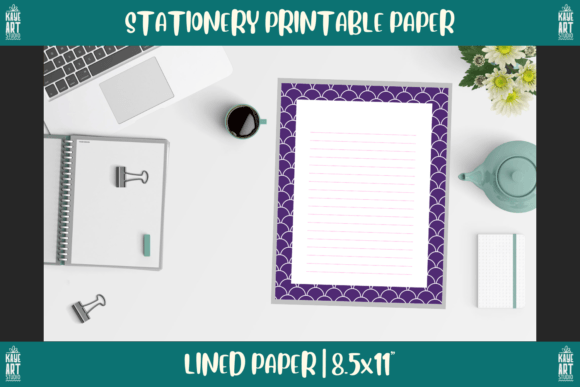
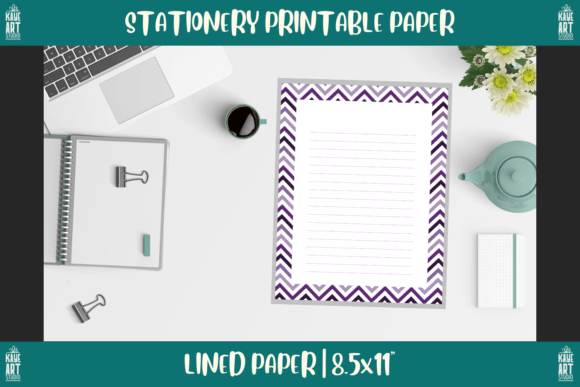
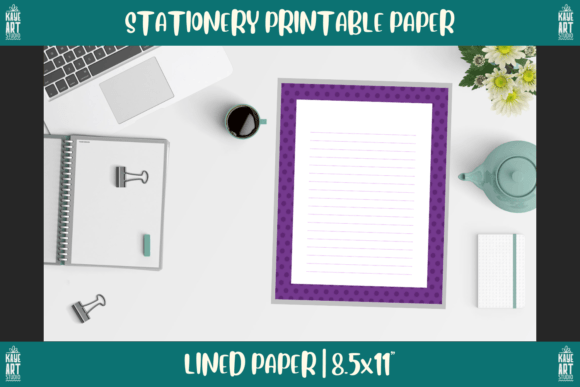
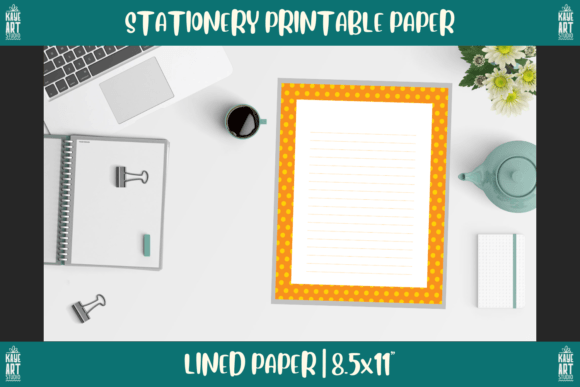
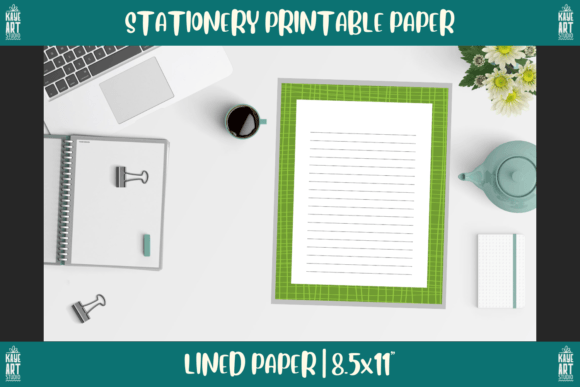
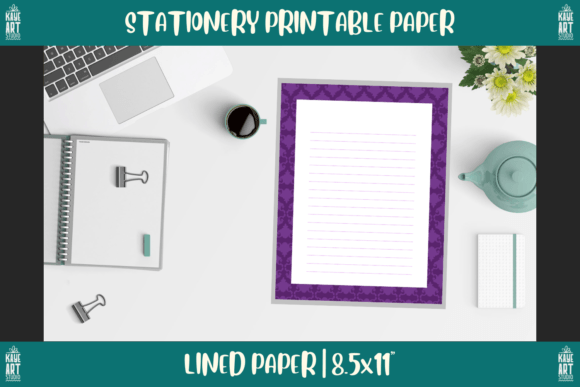
- Lined Paper (2 sheets): Double the lined sheets means you have ample space for note-taking, journaling, to-do lists, or content outlines. The lines keep handwriting uniform, which is especially helpful when you are preparing content for print or for a low-content book.
Together, these four sheets cover a broad range of use cases without requiring you to source multiple separate files. They arrive in both PNG and PDF formats at 300 DPI, so the print quality remains sharp whether you output at home or through a commercial printer.
Where Bordered Stationery Printable Paper 223 Fits in Your Workflow
The real value of this stationery set emerges when you place it into your existing processes. Whether you are a KDP publisher, a digital planner creator, a teacher, or a freelance designer, these sheets can serve you before, during, and after a project.
Before a Project: Preparation and Planning
Starting a new project often involves a phase of gathering tools, setting constraints, and outlining objectives. The unlined bordered paper is ideal for this stage. You can use it to sketch a layout for a new low-content book, map out the structure of a digital planner, or brainstorm how you want to organize a workshop. Because the border defines a clear working area, your ideas remain visually contained, which helps you focus on the content rather than the edges of the page.
The graph paper also plays a role here. If you are designing a planner that requires aligned grids or tables, you can experiment with grid spacing and cell sizes directly on the graph sheet before moving to digital tools. This hands-on approach often reveals layout issues that you might miss on screen.
During a Project: Active Creation and Production
Once your project is underway, the lined paper sheets become your daily workhorses. You can draft written content, take notes during client calls, or list action items for the next production phase. The two lined sheets give you enough space to keep separate streams of work organized—for example, one sheet for content drafts and another for editorial revisions.
If you are producing a print-on-demand book, you can print the files and physically assemble a mockup. The 8.5 × 11 inch trim size matches standard book formats, so you can check page count, margin spacing, and visual balance. The 300 DPI resolution ensures that any scanned or photographed mockup will look professional if you need to share it with a client or reviewer.
For digital planner creators, the PNG files can be imported directly into apps like GoodNotes, Notability, or Procreate. The bordered sheets become reusable templates within your planner, and you can layer handwritten notes or digital stickers on top without worrying about alignment.
After a Project: Review, Organization, and Archival
After you finish a project, the stationery set helps you organize your outcomes. You can use the unlined paper to create a summary page or a table of contents for a completed notebook. The graph paper works well for compiling data from a project retrospective, such as timelines, budgets, or resource allocation charts.
If you sell your products on KDP or Etsy, these sheets can also serve as extras or bonus downloads for your customers. A set of four printable papers adds perceived value to a digital product without increasing your production time significantly. You can bundle the files as a supplementary resource that buyers can print and use with your main product.
Integrating the Set with Other Tools and Platforms
Bordered Stationery Printable Paper 223 does not exist in isolation. Its true power comes from how well it connects with the tools and methods you already use.
Digital Tools and Software
Because the files are available in PNG and PDF, you can import them into virtually any design or note-taking application. Adobe InDesign, Canva, Affinity Publisher, and Microsoft Word all accept these formats. If you use a digital planning app, you can load the PDF as a custom template and reuse it across multiple notebooks or projects.
The 300 DPI resolution is particularly important when you resize or crop the images. You can extract individual elements—like the border or the grid pattern—and combine them with other assets without losing clarity. This flexibility lets you create hybrid workflows where print and digital components coexist.
Physical Printing and Production
When you print at home or at a local print shop, the 8.5 × 11 inch size fits standard paper trays. You can use any paper weight that your printer supports, from lightweight copy paper to thicker cardstock for covers or dividers. The PNG format gives you a raster image that you may want to convert to a print-ready PDF if you plan to bulk print.
For low-content KDP publishers, this set can serve as a prototyping tool. Print a few sheets, bind them together, and you have a physical sample of how your final book will look. You can test margin widths, line spacing, and the visual impact of the border before you commit to a full print run.
Collaboration and Client Work
If you collaborate with other creators or work with clients, you can share these sheets as reference templates. Send a PDF to a client to show them how their content will be laid out, or print a copy for a brainstorming session. The bordered design gives the pages a finished look that feels more professional than plain white paper, which can help set expectations around quality.
Practical Implementation Tips
Getting the most out of Bordered Stationery Printable Paper 223 requires more than just downloading the files. Here are several practical ways to integrate each sheet into your routine.
Prepare Your Files Before You Start
Unzip the downloaded files and organize them into clearly named folders. For example, create folders for "Unlined," "Graph," and "Lined." If you plan to use the sheets digitally, import them into your app of choice and save them as custom templates. If you plan to print, adjust your printer settings to match the 8.5 × 11 inch trim size and select the highest quality option to preserve the 300 DPI detail.
Match Paper Type to Task
Keep a mental or physical note of which paper type suits which activity. Use graph paper for anything that involves measurement, alignment, or data. Use lined paper for sequential writing, journaling, or outlining. Use unlined bordered paper for creative exploration, diagrams, or cover designs. This simple mapping reduces friction when you reach for a sheet.
Layer with Other Resources
Combine these papers with other stationery resources you already own. For example, you can print the graph paper on translucent vellum and overlay it on a lined sheet to create a combination guide. You can also use a paper cutter to trim the bordered sheets into smaller sizes for index cards or mini journals.
Maintain Consistency Across Projects
If you use these sheets repeatedly, you will develop a visual language for your work. The same border, line spacing, and grid style will appear across your notebooks, planners, and products. This consistency builds recognition with your audience and makes your printed materials feel cohesive.
Quality Control and Long-Term Use
Because the files are provided at 300 DPI, you can expect sharp, clear prints every time. However, the quality of your final output also depends on your printer, paper, and settings. Run a test print on plain paper before you use expensive cardstock. Check that the border crops evenly and that the lines or grid align with your ruler or cutting guide.
For long-term use, store the digital files in a reliable cloud service or external drive. The files are static, so they will not degrade over time. You can also edit them in image editing software if you need to change the border color, line spacing, or add watermarks for commercial distribution.
If you sell products that include these sheets, keep a usage log. Track which products feature the unlined paper versus the graph paper, and note customer feedback. This information helps you decide whether to expand your stationery offerings or refine the current set.
Adapting the Set for Different Audiences and Goals
One stationery set can serve many purposes when you adjust how you present it. For a KDP business, you might bundle the four sheets as a bonus inside a larger journal or planner. For a digital planner shop, you could sell the set as a standalone template pack. For your own use, you can print a stack of each sheet and bind them into a custom notebook.
Educators can use the graph paper for math exercises or science diagrams, while freelancers can rely on the lined paper for client meeting notes. The border gives every page a finished look that works whether you are preparing materials for others or organizing your own thoughts.
If you are a small business owner, these sheets can serve as inserts for branded notebooks or as part of a promotional kit. Print your logo on the unlined paper and include it in a welcome packet for new clients. The low cost per sheet and the high quality of the output make this a practical marketing tool.
Final Observations on Integration and Efficiency
Bordered Stationery Printable Paper 223 sits at the intersection of analog and digital workflows. It does not replace your software or your favorite planner, but it extends what you can do with both. The set gives you a consistent foundation that you can reach for at any stage of a project, from initial brainstorming to final production.
The key to integrating this resource smoothly is to decide ahead of time which paper type matches each recurring task. Once you establish that pattern, you will save time reaching for the right sheet and avoid the friction of searching for the right format. The high resolution and multiple file types ensure that the set works across devices and printers, so you are never locked into a single method.
Whether you are publishing your first low-content book, building a digital planner from scratch, or simply trying to keep your personal notes organized, this stationery set provides a reliable, versatile tool that fits into your existing routine. With a little planning, you can use the unlined, graph, and lined sheets to support every phase of your creative and professional work.