The Complete Guide to Bordered Stationery Printable Paper 194 for Your Creative Projects
If you have been exploring printable stationery for your low-content publishing business, digital planning, or personal craft projects, you have likely come across sets that bundle multiple paper types in one package. One such offering is Bordered Stationery Printable Paper 194, a versatile collection that includes unlined bordered paper, graph paper, and lined paper in a single download. At first glance, it looks straightforward: you download, print, and use. But there are nuances that can make the difference between a polished final product and a frustrating experience. Let us walk through what this set actually offers, where people tend to make avoidable mistakes, and how you can get the most out of it without wasting time, paper, or ink.
What Bordered Stationery Printable Paper 194 Actually Gives You
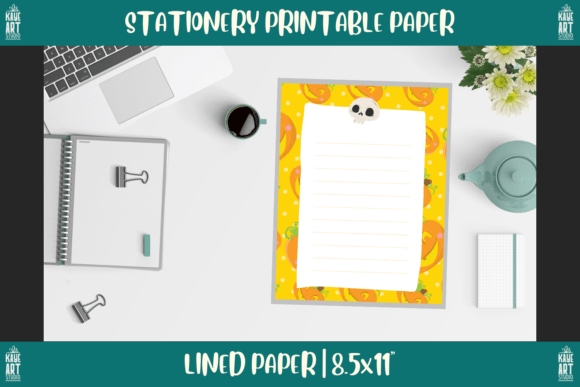
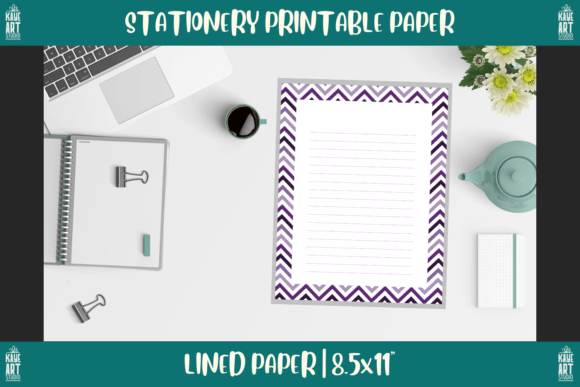
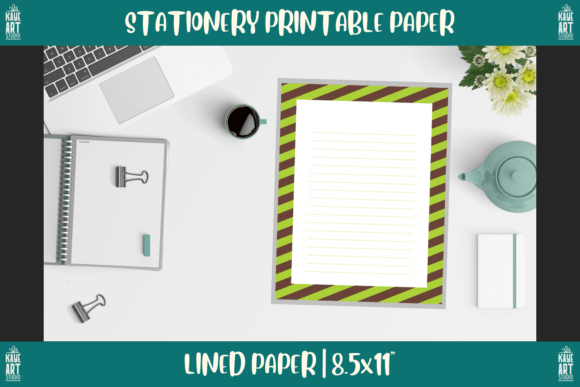
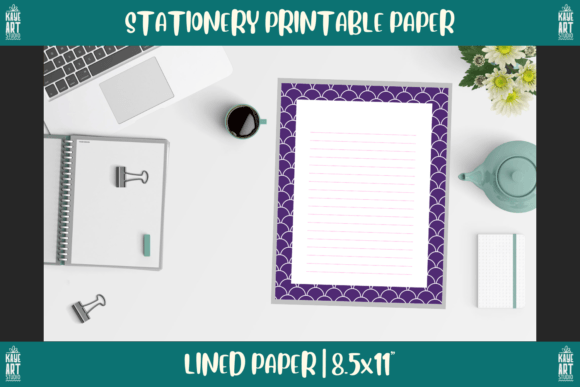
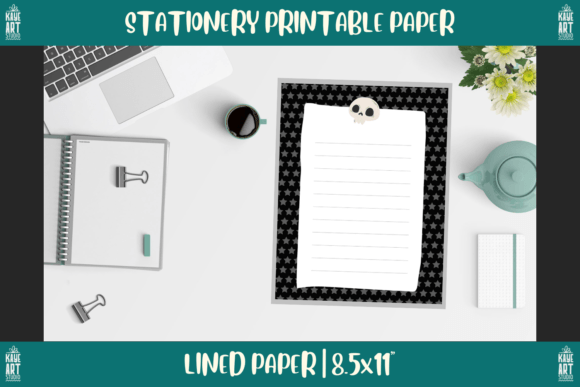
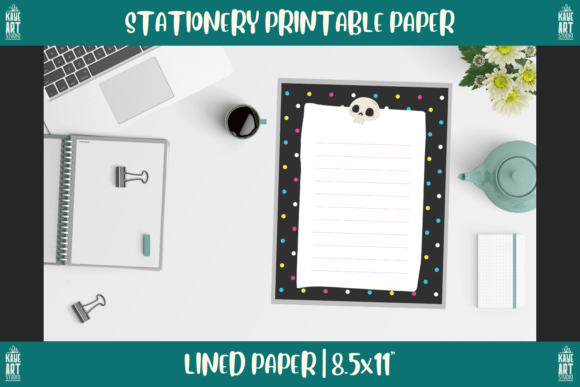
This set contains four sheets: one unlined bordered page, one graph paper page, and two lined paper pages. All are formatted at the standard US letter trim size of 8.5 by 11 inches, with a crisp 300 DPI resolution, and are provided in both PNG and PDF formats. These specifications matter more than most beginners realize. The 300 DPI ensures your printed lines are sharp and not pixelated, while the dual file format gives you flexibility for digital use (PNG) and reliable printing (PDF). The bordered design adds a clean frame that makes the pages look finished and professional, which is especially useful if you are creating products for sale rather than just personal use.
Where many people get tripped up is assuming that because the files look similar, they are interchangeable. They are not. Each paper type serves a different purpose, and using the wrong one for a given task can undermine your results. Let us break down the common pitfalls and how to sidestep them.
Mistake 1: Overlooking the Trim Size and DPI When Designing Around the Set
It is easy to glance at the 8.5 by 11 inch trim size and think, “That is standard letter size, so any printer will handle it.” That is true, but the trouble starts when you try to edit or layer these pages in design software. If you are creating a digital planner or a low-content book for your KDP business, you must ensure that your project file matches these exact dimensions and resolution. A common error is importing the PNG into a design program that defaults to 72 DPI, which can stretch or compress the image and ruin the bordered alignment. The fix is simple: always verify your canvas settings match 8.5 by 11 inches at 300 DPI before placing the printable. If you are using the PDF, most modern design tools will respect the resolution automatically, but double-checking takes seconds and saves reprints.
Another overlooked detail is the bleed area. Because these are bordered pages, the frame acts as a natural margin, but if you are using them inside a book or a bound planner, you need to account for the gutter. Many creators simply insert the full-page image without adjusting for binding, which causes the border to disappear into the spine. The better approach is to test print one copy, fold or bind it, and see where the border lands. Then shift the image slightly in your layout software to compensate.
Mistake 2: Confusing PNG with PDF and Misusing the File Types
The set includes both PNG and PDF files, and each has a specific best use. The PNG version is ideal for digital planners, note-taking apps like GoodNotes or Notability, and any scenario where you want to import the page as an image layer. It preserves the transparent background around the border if the file is designed that way, which gives you flexibility to place it over other elements. The PDF, on the other hand, is optimized for printing. It maintains consistent color and sharpness across different printers and paper stocks.
A frequent mistake is using the PNG for print jobs. Because PNG is a raster format, it can introduce slight softness when printed at full size if the compression is not ideal. The PDF is almost always the better choice for physical printing. Conversely, using the PDF in a digital note-taking app often results in a static background that cannot be easily manipulated. So match the file type to the task: PDF for print, PNG for digital use. This small distinction can save you from fuzzy prints or inflexible digital layouts.
Mistake 3: Ignoring the Variety of Paper Types and Using Only One
The set includes unlined bordered paper, graph paper, and two lined papers. A common pattern among beginners is to gravitate toward one type and ignore the rest. For example, someone might use only the lined paper for journaling and never touch the graph paper, missing out on a valuable tool for sketches, diagrams, and bullet journal layouts. Or they might use the unlined bordered paper exclusively for cover pages or decorative inserts, failing to realize that it works beautifully as a letter-writing template or a minimalist note page.
This underutilization can hurt the perceived value of your products. If you are selling digital planners or printable packs, customers expect variety. By showcasing all four page types in your product listings, you demonstrate versatility and give buyers more reasons to purchase. For your own use, rotating between the papers keeps your workflow fresh. Use the graph paper for brainstorming and project planning, the lined paper for structured notes, and the unlined bordered page for free-form sketches or calligraphy practice. Each has a role, and the set is designed to cover multiple needs.
Mistake 4: Overlooking Print Settings and Paper Quality
Even with perfect files, poor print settings can ruin the final result. The bordered design relies on crisp edges and consistent margins. If your printer defaults to “fit to page” or “scale to fit,” it may shrink or stretch the image slightly, throwing off the border alignment. Always set your print dialog to “actual size” or “100% scale” and disable any automatic scaling. Also, check that your paper size matches the file (8.5 by 11 inches). Some printers default to A4, which will crop or distort the border.
Paper weight and finish matter too. Lightweight 20 lb copy paper can cause ink to bleed, especially if you are using a high-quality PNG with dark borders. For best results, use 24 lb or higher paper, and consider a matte finish to reduce glare. If you are creating digital planners, your screen brightness and calibration affect how the colors appear, so test on multiple devices before publishing. These steps may seem tedious, but they are the difference between a product that looks amateur and one that feels professional.
Mistake 5: Not Testing Before You Commit to a Large Run
If you are using Bordered Stationery Printable Paper 194 for your KDP business or for a batch of printed planners, never skip the test phase. Print one copy of each page type on the exact paper you plan to use. Check for border alignment, line sharpness, color accuracy, and how the ink interacts with the paper. Test in your intended binding method as well. A page that looks great flat may shift or become misaligned when stapled, spiral-bound, or placed in a three-ring binder.
I have seen creators print hundreds of units only to discover that the border is slightly off-center on one side, making the whole batch unsellable. A single test print takes minutes and can save you hours of rework. Adjust your file placement or print settings based on what you see, and document those settings so you can reproduce them consistently.
What to Check Before Buying or Using This Set
Before you purchase or download any printable paper set, there are a few key factors to evaluate. First, confirm that the resolution and trim size match your intended use. If you are working with a platform that requires specific dimensions for upload, such as Amazon KDP, the 8.5 by 11 inch trim size is standard, but always verify the platform’s current guidelines. Second, look at the border thickness and style. Some borders are delicate and minimalist, while others are bold and ornate. Choose the one that fits the aesthetic of your brand or project. Third, check whether the set includes any usage restrictions, especially if you plan to sell products that incorporate these pages. Most printable sets allow commercial use within low-content books, but the terms vary, so read the license carefully.
Another thing to consider is the color profile. The files are likely in RGB, which is fine for digital use, but if you are printing professionally, you may want to convert them to CMYK for better color matching. If you are not experienced with color management, stick with the PDF for printing, as it tends to handle conversion better than PNG. Finally, think about how the set fits into your broader workflow. If you are a digital planner creator, you might want to offer these pages as add-ons or sample packs. If you are a hobbyist, they can serve as a low-cost way to upgrade your journaling or note-taking routine without buying pre-printed notebooks.
Better Approaches for Different Use Cases
For the low-content KDP creator, the most efficient path is to use the PDF files directly in your layout software, such as Canva, Adobe InDesign, or Affinity Publisher. Import the PDF as a single page, then insert it into your book template. Use the unlined bordered page as a title page or section divider, the lined paper for journal or diary interiors, and the graph paper for planner pages that require grids. This variety can help you create multiple book types from a single asset set.
For digital planners and note-taking apps, import the PNG files. Many apps allow you to set a page as a background or template, which means you can build a reusable notebook structure. Use the graph paper as a daily spread for tracking habits or brainstorming, and switch to lined paper for meeting notes or journal entries. The unlined bordered page can act as a cover or a space for mind maps. The key is to treat each page type as a tool for a specific purpose, not just a decoration.
For crafters and hobbyists, consider printing these on cardstock for added durability. The bordered design makes them suitable for letter writing, gift tags, or even framing as minimalist art. The graph paper can be used for cross-stitch patterns, architectural sketches, or bullet journal layouts that require precise alignment. By experimenting with different paper stocks and uses, you extend the value of the set far beyond its original intention.
Small Details That Make a Big Difference
One detail that often goes unnoticed is the relationship between the border thickness and the writing area. A thick border reduces the usable space, which is fine for decorative pages or short notes, but can feel cramped if you plan to write extensively. The bordered paper in this set strikes a reasonable balance, but you should test it with your own handwriting or typing to ensure it fits your needs. If you find the writing area too small, you can always use the lined paper without the border for longer entries.
Another subtle point is the line spacing on the lined paper. Standard college-ruled spacing is around 7.1 mm, while wide-ruled is closer to 8.7 mm. If you have large handwriting or plan to use the pages with a fountain pen, wider spacing is more comfortable. The set does not always specify the spacing, so examine a sample page before buying. If you need a specific spacing, you might need to look for a specialized set, but for most general use, the default works well.
Lastly, consider the ink consumption. Dark, heavy borders use more ink than light or thin ones. If you are printing many copies, this adds up. You can reduce ink usage by printing in grayscale or lowering the density slightly in your printer settings, but test first to ensure the border still looks clean. For digital use, ink is not a concern, so you can keep the full color depth.
Taking the time to understand these details transforms a simple printable set into a reliable tool for your creative or business projects. Whether you are selling low-content books on KDP, building digital planners, or just upgrading your personal stationery, Bordered Stationery Printable Paper 194 offers a solid foundation—as long as you use it thoughtfully. Match the file type to the task, test before you commit, and rotate through the paper varieties to get the full value. Those few extra minutes of preparation will save you from wasted materials and disappointing results, and they will help your final product look as good as you imagined.