13 Column Ledger Book: A Practical Guide for Organized Record Keeping
Keeping track of financial transactions is a task that touches nearly every adult, whether you run a small business, freelance on the side, manage household budgets, or handle records for a club or organization. A 13 column ledger book offers a structured yet flexible way to monitor income, expenses, and balances across multiple categories. Rather than relying on spreadsheets or expensive accounting software, many people find that a well-designed physical ledger brings clarity, focus, and a sense of control over their finances.
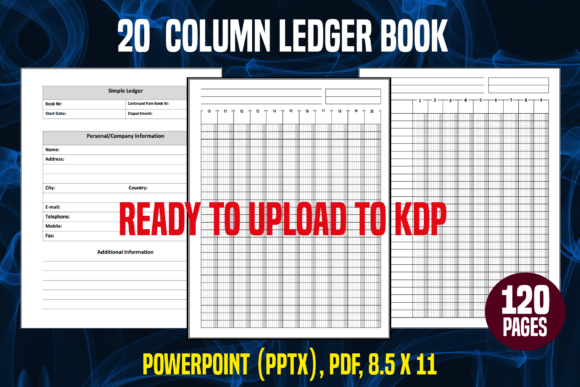
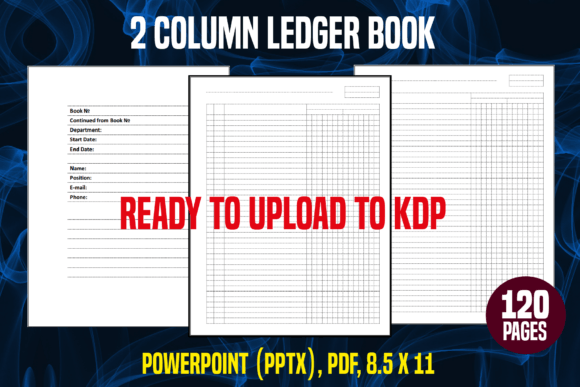
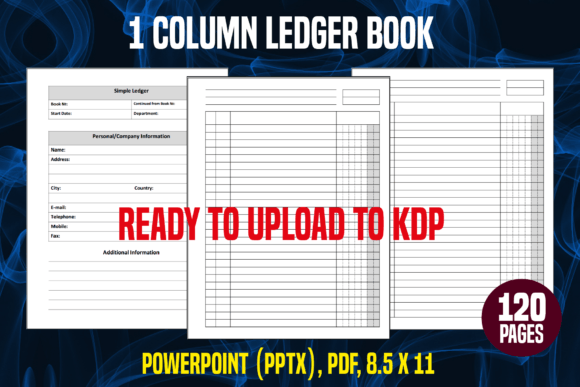
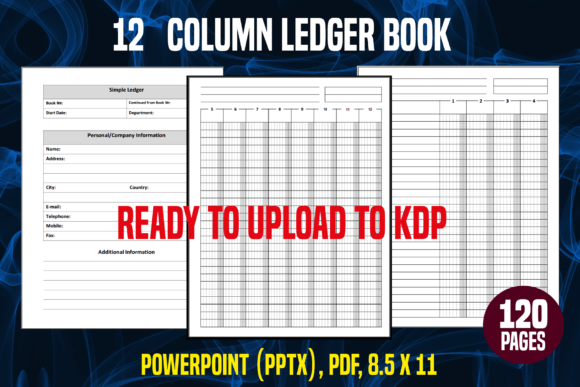
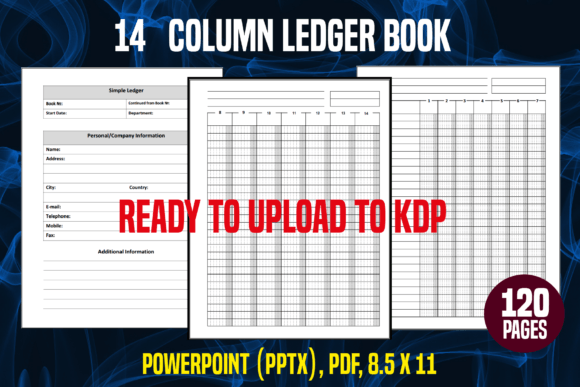
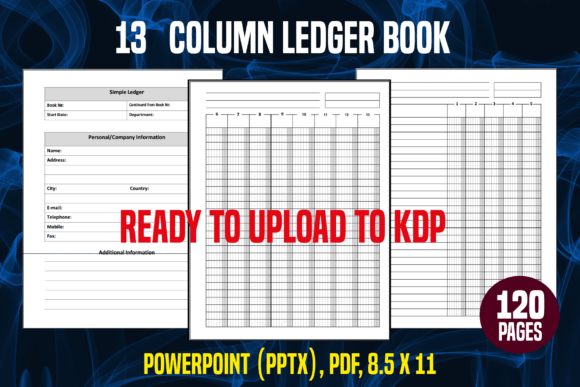
The version described here comes as a complete package: a tested PDF file ready for upload to KDP or print, an editable PowerPoint source file, 120 pages, and a trim size of 8.5 by 11 inches. High-resolution interiors ensure that every column and row prints cleanly, making it comfortable to write in by hand or edit digitally before printing. This combination of ready-to-use and customizable formats appeals to beginners, creators, entrepreneurs, and anyone who wants professional-looking ledgers without starting from scratch.
What Exactly Is a 13 Column Ledger Book?
A 13 column ledger book is a specialized accounting tool designed to track financial data across up to thirteen distinct categories per page. The columns typically include a date column, description column, and then up to eleven columns for numerical entries such as debits, credits, or running balances. This structure allows you to separate different types of transactions side by side, making it easier to see patterns, compare figures, and spot errors.
The ledger is especially valuable for people who need to monitor multiple accounts, projects, or budget categories without flipping between several pages. With thirteen columns, you have room to track income sources, expense types, tax categories, or client payments all in one view. Many professionals appreciate that a physical ledger provides a permanent, tamper-evident record that cannot be accidentally deleted or overwritten.
Why Thirteen Columns and Not a Simpler Format?
More common ledgers offer two, three, or four columns, but those quickly become limiting once your financial life grows beyond a single checking account or basic budget. A 13 column layout gives you breathing room. For example, you might dedicate columns to:
- Date and description
- Several income streams (freelance work, product sales, consulting fees)
- Fixed expenses (rent, utilities, insurance)
- Variable expenses (supplies, marketing, travel)
- A total or balance column
This setup means you can record a whole month of transactions on one spread, compare categories at a glance, and reduce the need for manual recalculations. The 120-page count provides plenty of room for a full year of detailed tracking or multiple projects running simultaneously.
Who Benefits Most from a 13 Column Ledger?
While anyone can use a ledger, certain groups find the 13 column format especially suited to their needs. Small business owners and freelancers often juggle several income sources and expense categories, so having all that information visible on one page saves time and reduces mistakes. Bookkeepers and accountants working with multiple clients can maintain separate ledgers for each client, using the columns to track different account types.
Educators who teach basic accounting or personal finance appreciate the clarity of a printed ledger. Students can practice double-entry bookkeeping, understand how debits and credits balance, and build hands-on skills without needing software. Hobbyists who run Etsy shops, sell at craft fairs, or manage community fundraiser events find the ledger invaluable for tracking costs, profits, and donations.
Beginner-Friendly Use Cases
If you are new to using a ledger, start with a simple scenario: tracking your monthly household expenses. Use one column for rent or mortgage, one for groceries, one for utilities, one for transportation, and a couple for savings and discretionary spending. At the end of each week, total each column and compare your spending against your budget. The act of writing entries by hand helps you stay mindful of where your money goes.
Another beginner-friendly use is for a small freelance business. Suppose you offer writing, design, and consulting services. Dedicate columns to each income type, then use separate columns for business expenses like software subscriptions, office supplies, marketing costs, and travel. A final column can track your running cash balance. By the end of the month, you know exactly how much each service earned and what your true profit is.
Practical Applications Across Personal and Professional Contexts
The 13 column ledger book is not limited to traditional accounting. Its flexible structure supports many creative and organizational uses.
Personal Finance and Budgeting
Households that want to gain control over spending can set up columns for each major budget category. By recording every transaction, you quickly see which categories are consistently over budget and where adjustments can be made. The ledger becomes a visual record of your financial habits, helping you set realistic goals and track progress month by month.
Small Business and Entrepreneurship
Entrepreneurs often deal with multiple revenue streams and expense categories. A ledger with thirteen columns allows you to track product lines, service types, customer payments, and operating costs side by side. When tax season arrives, having all your data organized in one place reduces stress and saves time. You can simply total each column and report accurate figures to your accountant.
Nonprofits, Clubs, and Community Groups
Organizations that handle member dues, event fees, donations, and expenses need transparent record keeping. A 13 column ledger allows the treasurer to show income sources and expenses clearly during meetings. This transparency builds trust among members and makes annual reporting straightforward.
Educational and Teaching Environments
Teachers can use the ledger to demonstrate accounting principles in a tangible way. Students learn to enter transactions, calculate balances, and reconcile accounts by hand. This foundational understanding makes it easier for them to transition to digital tools later. The editable PowerPoint format means instructors can customize the ledger for specific lessons or exercises.
Important Considerations Before Choosing a Ledger
Selecting a ledger book is a personal decision, and a few factors can help you determine if the 13 column format is right for you.
Understand Your Tracking Needs
If you only need to track a single checking account or a simple budget with three or four categories, a 13 column ledger might feel excessive. However, if you anticipate growth—more clients, more projects, more categories—it is better to have extra columns than to outgrow your system quickly. You can always leave unused columns blank or repurpose them later.
Consider the Physical Format
The 8.5 by 11 inch trim size is standard and comfortable for writing. Pages are large enough to hold significant detail without feeling cramped. The high-resolution interior means lines and numbers print sharply, even if you print at home or through a service. If you plan to edit the ledger digitally before printing, the editable PowerPoint file gives you control to add your own headers, company logo, or custom column labels.
Think About Long-Term Use
With 120 pages, this ledger can last anywhere from several months to over a year, depending on how many entries you make per page. If you record dozens of transactions daily, you might fill it faster. For most small business owners or household users, 120 pages provide a generous amount of space. The durable design ensures that your records remain intact for future reference or audits.
Digital Versus Handwritten Preference
Some people prefer handwriting entries because it forces careful thought and creates a permanent record. Others prefer typing into a digital file and printing later. The included PowerPoint source file accommodates both approaches. You can fill in entries on your computer, save the file, and print as needed, or you can print blank pages and write by hand. This flexibility is especially useful for teams where different members have different preferences.
Tips for Getting the Most Out of Your Ledger
Starting a new ledger system is exciting, but a few practical habits can help you maintain consistency and accuracy.
- Set up your columns in advance. Before recording any transactions, decide what each column will represent. Write clear headers at the top of each page to avoid confusion later.
- Record transactions regularly. Ideally, enter each transaction on the day it happens. Waiting too long leads to forgotten details and errors. Even five minutes at the end of each day keeps your ledger current.
- Double-check your arithmetic. Manual addition can introduce mistakes. Consider using a calculator or spreadsheet to verify totals periodically, especially when preparing reports or tax filings.
- Keep your ledger in a safe place. Financial records are sensitive. Store your ledger in a locked drawer or cabinet, and consider making digital backups of key pages by scanning or photographing them.
- Review monthly totals. At the end of each month, sum each column and compare your totals to your budget or expected figures. This review helps you catch discrepancies early and adjust your spending habits.
Why This Format Appeals to Modern Users
In an era of apps and cloud-based accounting, a physical ledger might seem old-fashioned. Yet many people rediscover the benefits of analog record keeping. Writing by hand improves memory and focus, reduces screen fatigue, and creates a document that cannot be hacked or lost to a hard drive failure. For professionals who value privacy, a paper ledger offers complete control over sensitive financial data.
The editable PowerPoint component bridges the gap between analog and digital worlds. You can customize the layout, add your business branding, or even merge data from spreadsheets before printing. This hybrid approach lets you enjoy the best of both methods: the flexibility of digital editing and the permanence of a printed book.
What to Look For in a Quality Ledger
Not all ledgers are created equal. When evaluating a 13 column ledger book, consider paper weight, binding quality, and how well the columns are spaced. The version described here has been tested for KDP and print readiness, meaning the layout, margins, and resolution meet professional standards. High-resolution interiors ensure that fine lines remain crisp, and the trim size provides ample writing space without being cumbersome.
The inclusion of both PDF and PowerPoint formats means you are not locked into a single use case. You can print one copy for yourself, share the file with a colleague, or upload directly to print-on-demand services. This versatility is a major advantage for creators who want to sell ledgers to their own audience or use them as part of a larger product offering.
Final Thoughts on Choosing Your Ledger System
Whether you are a freelancer tracking multiple income sources, a small business owner monitoring expenses, or someone simply trying to get a clearer picture of personal finances, a 13 column ledger book provides structure without complexity. The 120-page count, standard trim size, and high-resolution design make it a practical tool that can adapt to your evolving needs. The editable source file gives you the freedom to customize the ledger to match your exact workflow, while the print-ready PDF ensures you can start using it immediately.
Take time to think about the categories that matter most to you. Set up your columns intentionally, build a habit of regular entries, and review your data often. Over time, your ledger will become more than just a record of numbers—it will be a clear, honest picture of your financial life, helping you make smarter decisions with confidence.